
A home for your games
Steam and Windows installers. Search, cover art and launch controls in one window.
Nexruna brings Windows games, Wine environments and graphics profiles into one app for Mac and Linux.
Steam and Windows installers. Search, cover art and launch controls in one window.
Separate Windows environments keep each game's files and settings.
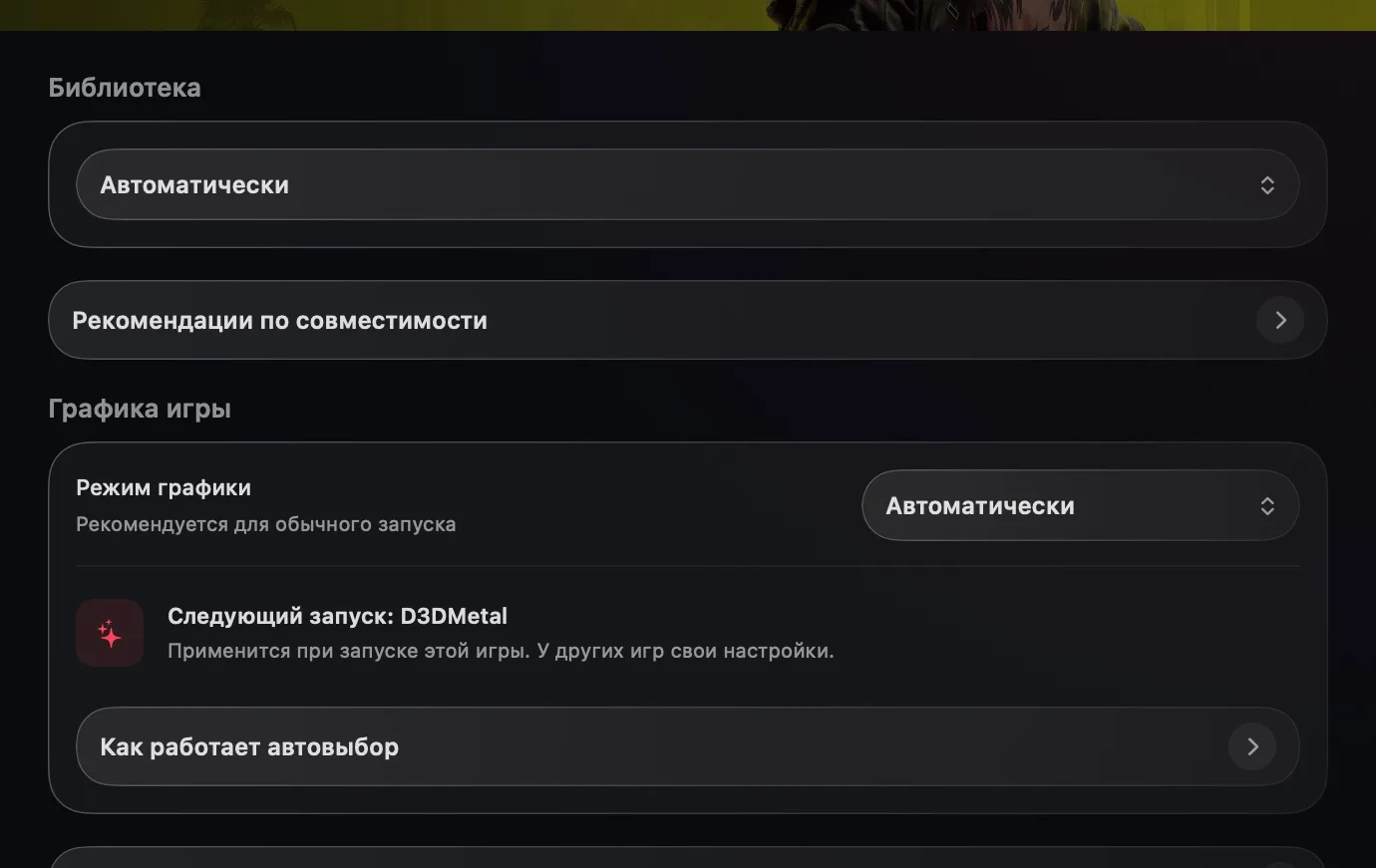
An automatic profile or manual engine settings for your Mac.
Your game uses your Mac or Linux computer’s resources. Saves and settings live in the game environment.
EXE or MSI — add a game from your own file, independently of a store.
Tips are optional and do not unlock paid features.
Nexruna finds the game profile and selects an available engine. D3DMetal and DXMT translate DirectX to Metal; DXVK and vkd3d use a Vulkan route.
Components and shaders may be prepared on first launch. Let this stage finish before playing.
Start with a moderate preset. Match resolution and upscaling to your Mac. You can choose a specific engine and launch options in the game’s Nexruna settings.