
← NexrunaYour library
Connect Steam. Get back to your games.
Your account, purchases and saves stay yours. Nexruna brings installation and launch into one window.
SteamYour accountLocal playFree.
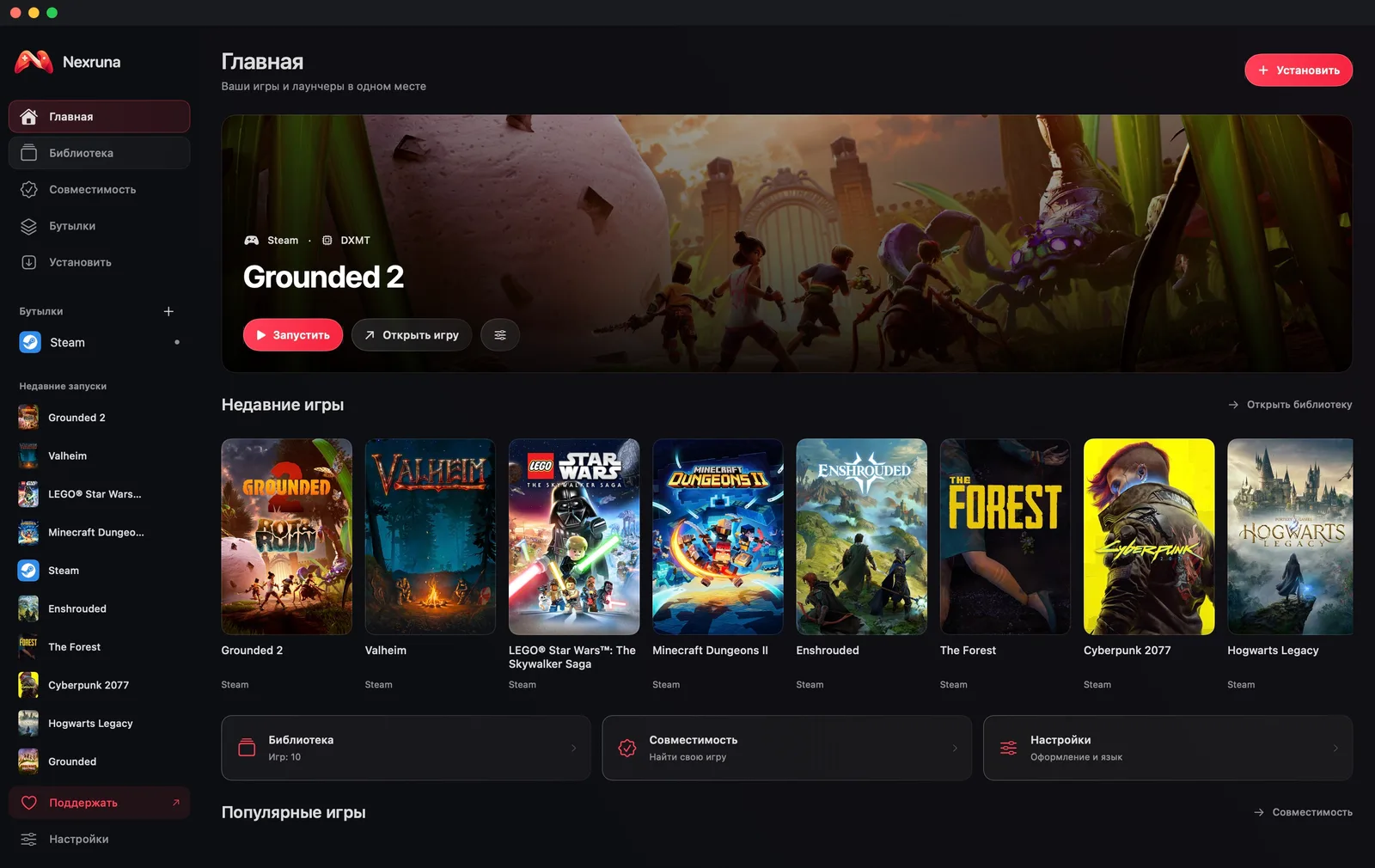
- 01
Add Steam
Open Nexruna and choose Install, then Steam. The app prepares a separate Windows environment and installs the client.
- 02
Sign in to your account
Launch Steam from the Nexruna library. Sign in as usual and confirm with Steam Guard if enabled.
- 03
Install your game and play
Install your game through Steam. It appears in the Nexruna library. Choose Play and let components and shaders finish preparing on first launch.