
← NexrunaYour files
A game from a file. Its own launch environment.
Add your game’s Windows installer. Its files, components and launch options stay together.
EXE / MSISeparate environmentYour gamesFree.
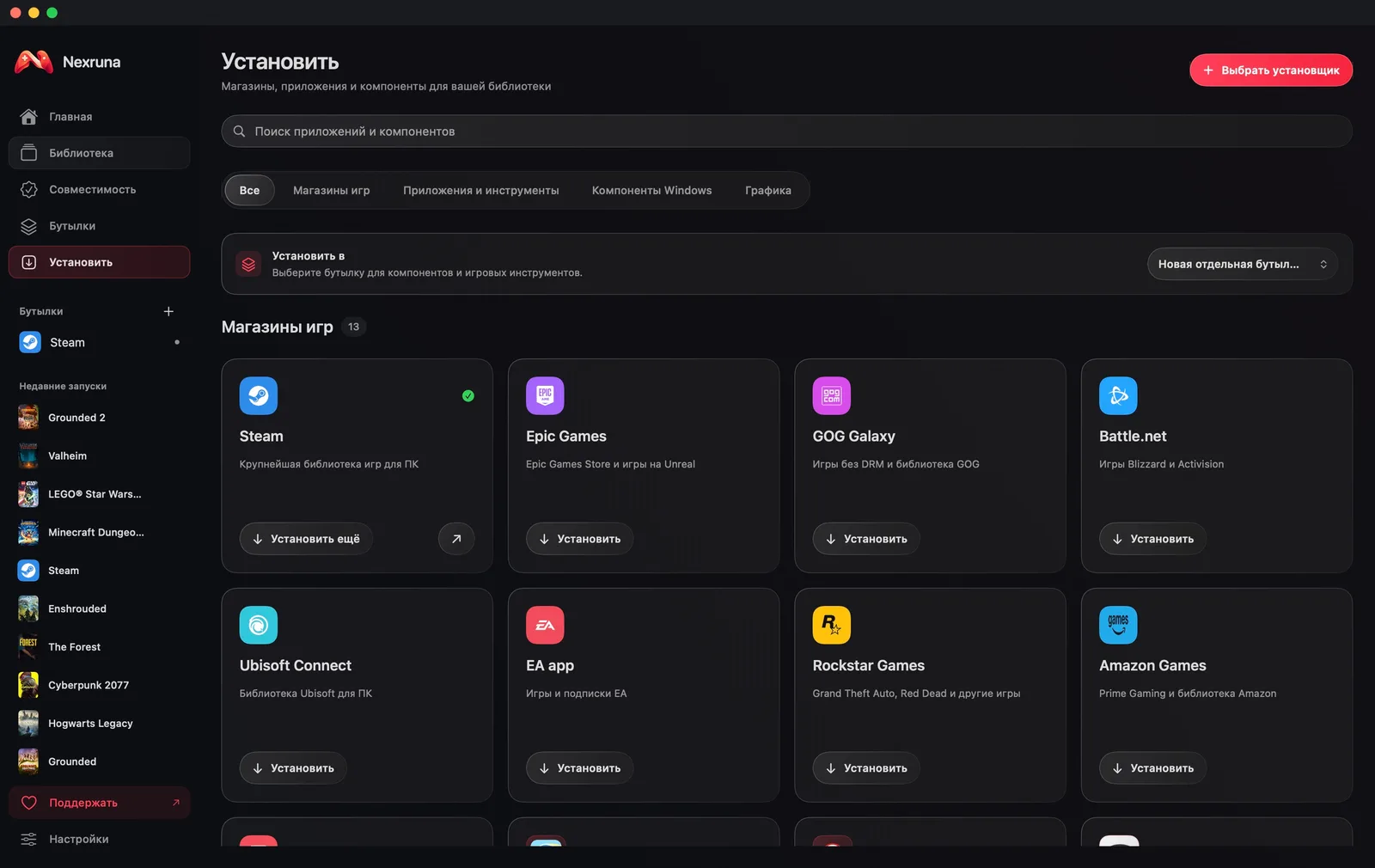
- 01
Choose your installer
Choose Install in Nexruna and select an EXE or MSI file on your computer.
- 02
Complete installation
Nexruna opens the installer in a Windows environment. Follow its steps and wait for installation to finish.
- 03
Launch from the library
Select your installed game and choose Play. Its profile and launch options are available next to the game card.