
← NexrunaGetting started
Three steps. You are in the game.
Choose your platform, add your library and launch your first game.
Mac · Intel / Apple SiliconLinux · x86_64Free.
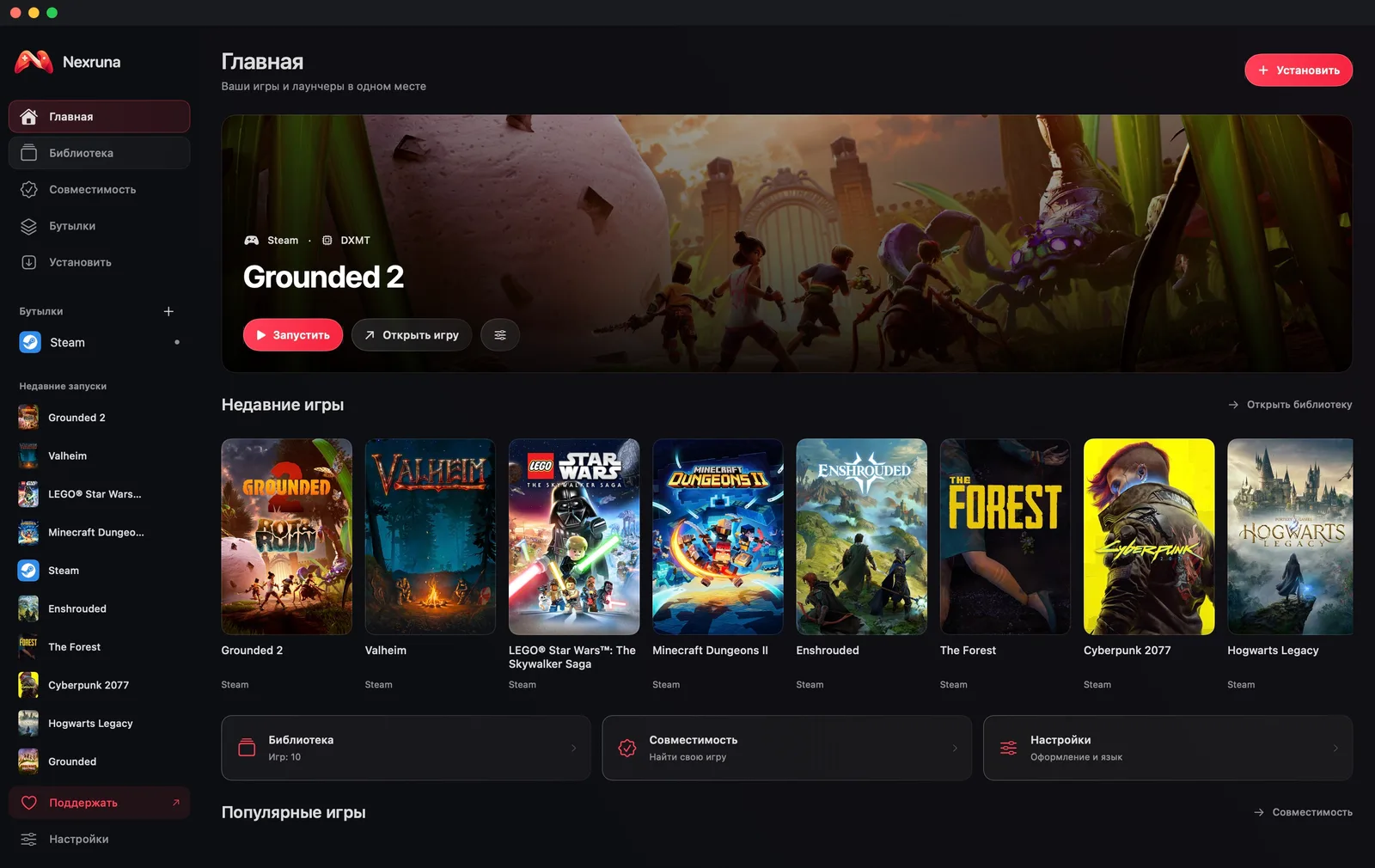
- 01
Install Nexruna
Choose the version for your computer. On Mac, move the app to Applications.
- 02
Add your library
Connect Steam inside the app or choose your game’s EXE / MSI installer.
- 03
Choose Play
Leave graphics on Auto and let the first launch finish. After shader preparation, choose your preferred image settings and start playing.